

Before You Buy a Condo, Do This One Budgeting Step First
No need to reinvent the wheel. Here are free budget templates in Excel, Google Sheets, and from the FTC—plus how to actually use them to take control of your finances.
Start With the Right Mindset: Budgeting Isn’t Restrictive—It’s Strategic
Before jumping into templates, it’s worth taking a step back. A budget isn’t about limiting what you can spend—it’s about deciding where your money goes before it disappears.
Whether you’re renting, saving for a condo, or already own one, the goal is the same: clarity.
A good budget helps you:
- Understand your true monthly costs
- Spot spending leaks you didn’t realize were there
- Plan for big goals (like a down payment or renovation)
- Feel more confident about what you can comfortably afford
And if you’re thinking about buying, this becomes even more important. I always recommend focusing on your total monthly payment—not just mortgage, but also taxes, insurance, utilities, and condo fees.
How to Use a Budget Template (Without Overthinking It)
Once you pick a template, don’t try to make it perfect. Start simple:
- List your income
Use your net (take-home) income—not gross. - Track your fixed expenses
Rent/mortgage, condo fees, car payments, subscriptions, insurance. - Estimate variable spending
Groceries, dining out, travel, shopping. This is where most surprises happen. - Review and adjust
After a month, compare estimates vs. reality. That’s where the real insight is. - Create a buffer
Aim to have some margin each month—even a few hundred dollars adds flexibility.
Think of your first budget as a draft, not a final product.
Microsoft Excel Budget Templates
Creating your own budget template from scratch can be time consuming. Better to use one already created.
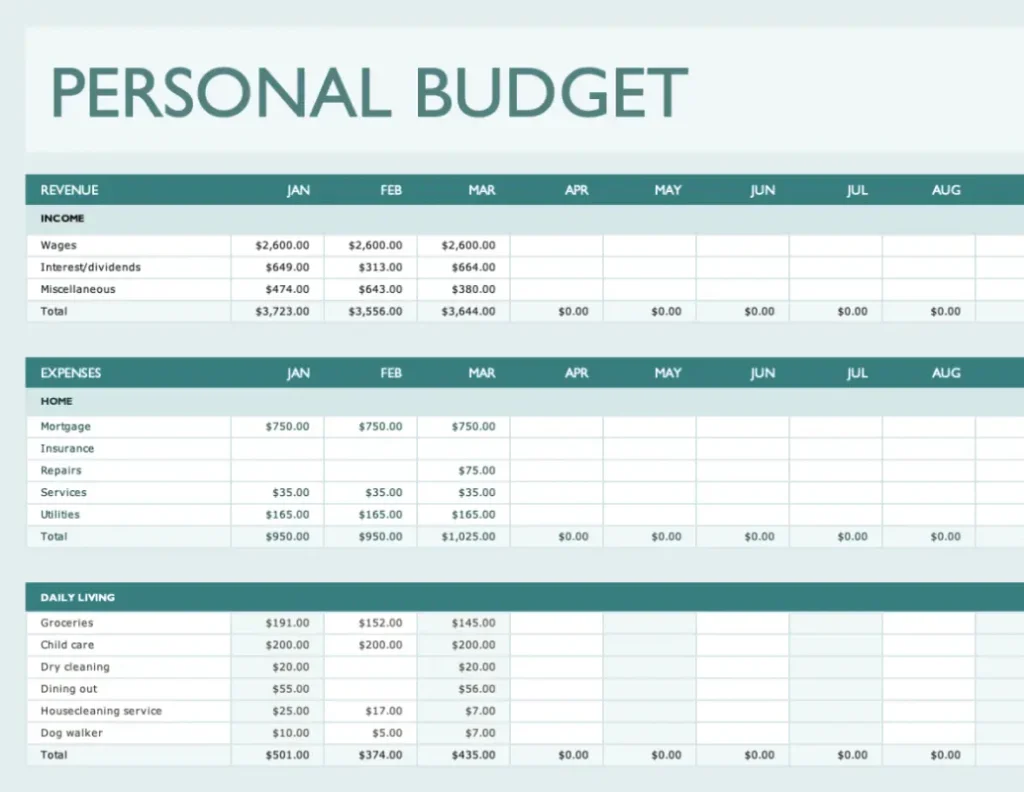
Microsoft Office offers free budget templates that are not only functional, but pretty sleek too.
Save yourself the trouble of setting up rows, columns, and formulas by using ready-made Excel templates. They’ve got you covered with a household expense budget, holiday budget planner, event budget, and many more.
How to access:
- Visit templates.office.com (or click the button below)
- Type “Budgets” in the search box
- Download the Excel file and customize
👉 Great option if you like more control and customization.
Google Sheets budget template
Take it with you with the Sheets app for Drive!
Google Drive is a file storage service where you can create, upload, and share files. You get a generous 15GB of storage for free, and it’s accessible from anywhere.
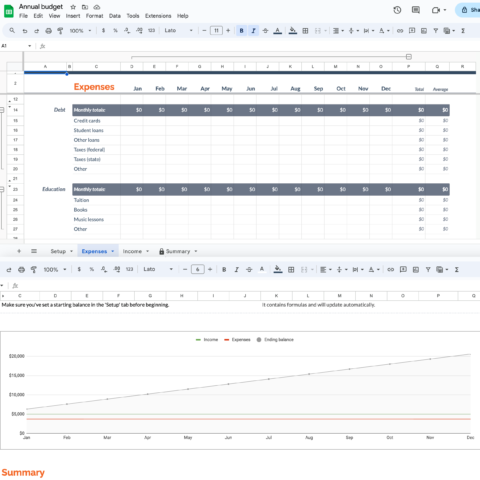
There are pre-made templates like an annual budget and monthly budget built right in.
How to access:
- Go to google.com/sheets
- Browse the template gallery (top right)
- Select a budget template and start editing
👉 Best if you want something simple, shareable, and accessible on any device.
Federal Trade Commission budget worksheet
If you are looking for just a simple PDF to create a budget, try this one.
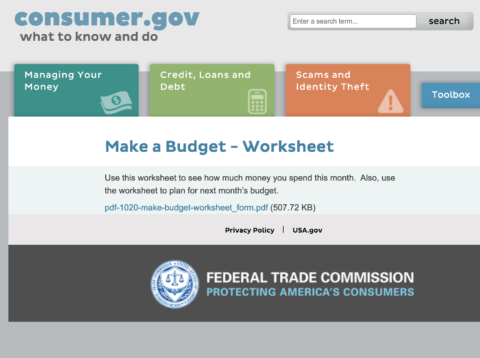
The Federal Trade Commission offers a straightforward worksheet to help you assess your income and expenses.
How to use:
- Download the PDF
- Fill in income and expenses manually
- Use it as a starting point before moving to a digital tool
👉 Perfect if you want a quick snapshot without overcomplicating things.
Final Thought: The Best Budget Is the One You’ll Actually Use
There’s no “perfect” template. Excel, Google Sheets, or a simple PDF—it doesn’t matter.
What matters is:
- You’re aware of your numbers
- You revisit it regularly
- You use it to make better decisions
If you’re thinking about buying a condo, this is one of the most important steps you can take before starting your search.